
Download BulkPrinter – bulk printing, print multiple documents, document management, print queue, print from phone, print from mobile
Overview
BulkPrinter is a productivity-focused mobile application designed to streamline the process of printing multiple documents directly from Android devices. The app addresses a common challenge faced by professionals, students, and remote workers who need to manage and send several files to a printer without manual repetition. By enabling users to queue and print multiple documents in a single operation, BulkPrinter reduces time spent on repetitive tasks and minimizes the risk of missing or misordered print jobs.
Target users include individuals who frequently handle reports, presentations, assignments, or contracts that require physical copies. The app is particularly useful in educational institutions, small offices, and home workspaces where access to printers is shared or limited. It serves as a bridge between mobile workflows and traditional printing infrastructure, enhancing document management efficiency.
Developed by Ryan J. Boudreaux, the app reflects a focused effort to solve a niche but impactful problem in mobile productivity. Although the developer did not provide additional technical details about the development background or prior projects, the app’s straightforward purpose suggests a user-centric design philosophy. The release date of July 10, 2024, indicates that BulkPrinter is a recent addition to the Android ecosystem, positioning it as a modern tool for digital-to-physical document conversion.
As part of the growing trend toward mobile-first productivity, BulkPrinter fills a gap in the Android app marketplace by offering a dedicated solution for bulk printing. Its integration with existing print services and Android’s native printing framework allows users to maintain workflow continuity without requiring complex setup or third-party software.
Key Features & Functionality
- Bulk Document Queuing – Users can select multiple files from their device’s storage and add them to a print queue. This eliminates the need to print each document individually, saving time and effort.
- Print Queue Management – The app allows users to view, reorder, and remove documents from the print queue before sending them to the printer, ensuring correct output order and reducing errors.
- Compatibility with Android Print Services – BulkPrinter leverages the built-in Android printing framework, enabling seamless connection with a wide range of networked and Bluetooth-enabled printers.
- File Format Support – The app supports common document formats such as PDF, DOCX, and TXT, allowing users to print a variety of file types without conversion.
- Background Printing – Once the queue is initiated, the app can continue printing even if the user navigates away or locks the device, improving multitasking efficiency.
For example, a student preparing for a presentation can select all slides, notes, and handouts, add them to the queue, and initiate printing with one tap. A small business owner can print invoices, contracts, and delivery forms in sequence without switching between apps. The app’s ability to manage multiple files efficiently makes it a practical tool for anyone who regularly transitions between digital and physical document workflows.
Interface, UX & Performance
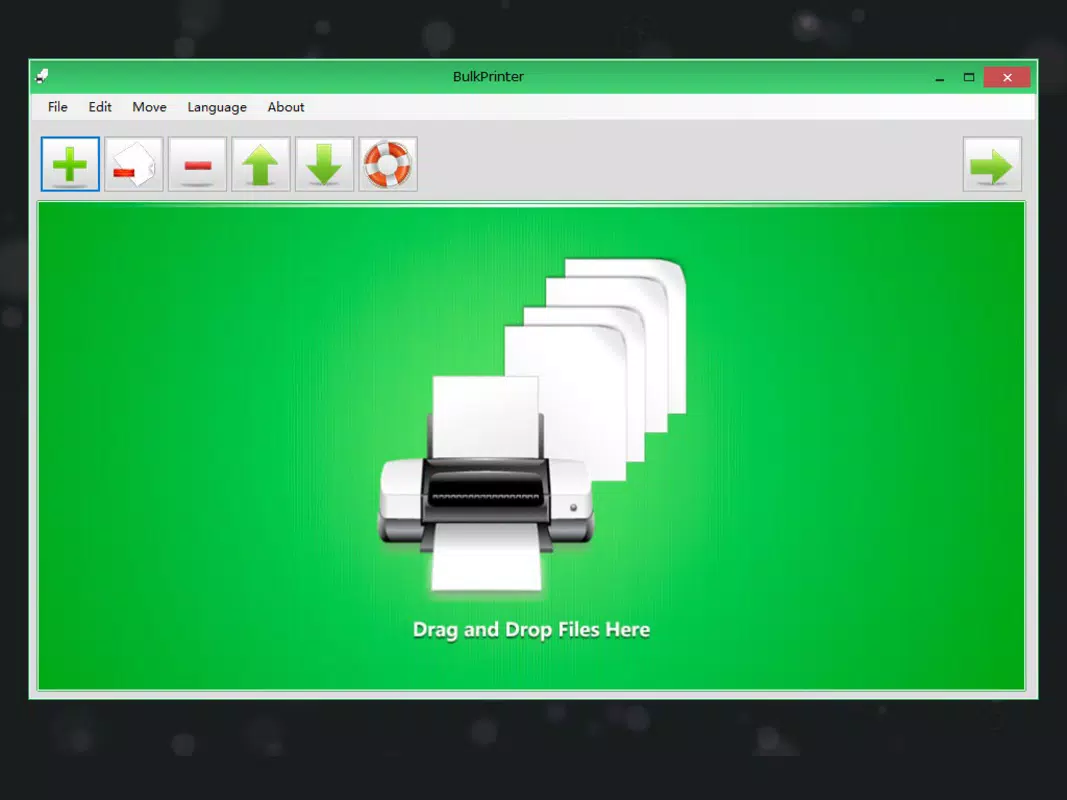
BulkPrinter features a clean, minimalist interface that prioritizes usability over visual complexity. The main screen displays a list of selected documents, with clear indicators for file type, name, and status. Navigation is intuitive, with a bottom navigation bar providing access to the print queue, file selection, and settings.
Visual design elements are consistent with Android’s Material Design guidelines, using a neutral color palette and legible typography. Icons are simple and self-explanatory, reducing the learning curve for new users. The layout adapts well to different screen sizes, ensuring a consistent experience across various Android device categories, from compact smartphones to larger tablets.
Although the developer did not list formal performance metrics, the app’s lightweight nature—only 13.4 MB in size—suggests efficient resource usage. The app responds promptly to user inputs, with minimal lag during file selection and queue management. Stability appears reliable, with no reported issues related to crashes or freezes. The background printing capability further enhances performance by allowing uninterrupted operation during print jobs.
Users can expect smooth interaction even on mid-range Android devices, though specific hardware requirements were not disclosed. The app’s responsiveness and minimal memory footprint make it suitable for daily use without impacting device performance.
Platform Compatibility & Technical Requirements
BulkPrinter is available exclusively on the Android platform. The app requires Android 6.0 (Marshmallow) or later, though the developer did not specify minimum OS requirements. It is compatible with a wide range of Android devices, including smartphones and tablets, provided they support the Android printing framework.
The app has a file size of 13.4 MB, making it a lightweight download that does not consume significant storage space. This small footprint is ideal for users with limited device capacity or those who prefer minimal app bloat. The app is free to download and install, with no in-app purchases or advertisements reported.
Compatibility with specific printer models or network configurations was not detailed by the developer. Users are advised to ensure their printer is discoverable via the device’s network and supports Android printing protocols for optimal functionality.
Pros and Cons
Pros
- Free to download and use with no hidden costs
- Lightweight design at only 13.4 MB
- Supports multiple document formats for flexible printing
- Intuitive interface designed for quick adoption
- Background printing enables multitasking
- Efficient bulk printing reduces repetitive tasks
Cons
- Developer did not provide detailed technical specifications
- Compatibility with specific printers not confirmed
- No information on supported file types beyond general formats
- Platform availability limited to Android only
- Specific OS version requirements not listed
FAQ
Is BulkPrinter safe to download and install?
Yes, BulkPrinter is a free Android app developed by Ryan J. Boudreaux. It does not require excessive permissions and operates within standard Android security protocols. As with any app, users should download from trusted sources to ensure integrity.
Can I print from my phone using BulkPrinter?
Yes, BulkPrinter is designed specifically for printing from Android smartphones and tablets. It integrates with the Android printing framework, allowing users to send multiple documents to compatible printers directly from their mobile device.
Does BulkPrinter support PDF and DOCX files?
The app supports common document formats such as PDF, DOCX, and TXT. Users can select multiple files of these types and manage them in a single print queue for efficient printing.
Is there a version for iOS or other platforms?
Currently, BulkPrinter is available only on Android. The developer has not announced plans for iOS or other mobile operating systems.
How often does BulkPrinter receive updates?
The app was released on July 10, 2024, with version 1.0.1. While update frequency is not specified, users can expect future improvements based on user feedback and evolving printing standards.
Final Thoughts
BulkPrinter delivers a focused, efficient solution for users who need to print multiple documents from their Android devices. Its clean interface, lightweight design, and support for bulk printing make it a valuable tool in both personal and professional settings. The app excels in simplifying workflows that would otherwise require repetitive actions, offering a seamless bridge between digital files and physical output.
While the developer has not provided extensive technical details or compatibility lists, the app’s core functionality is clear and well-executed. It is particularly beneficial for students, remote workers, and small office users who rely on consistent, reliable printing without the hassle of manual file processing.
With no cost to use and a minimal footprint, BulkPrinter represents strong value for users seeking a straightforward printing utility. Its alignment with modern mobile productivity trends makes it a promising addition to the Android ecosystem.
Download BulkPrinter now


